








What is a CPU?

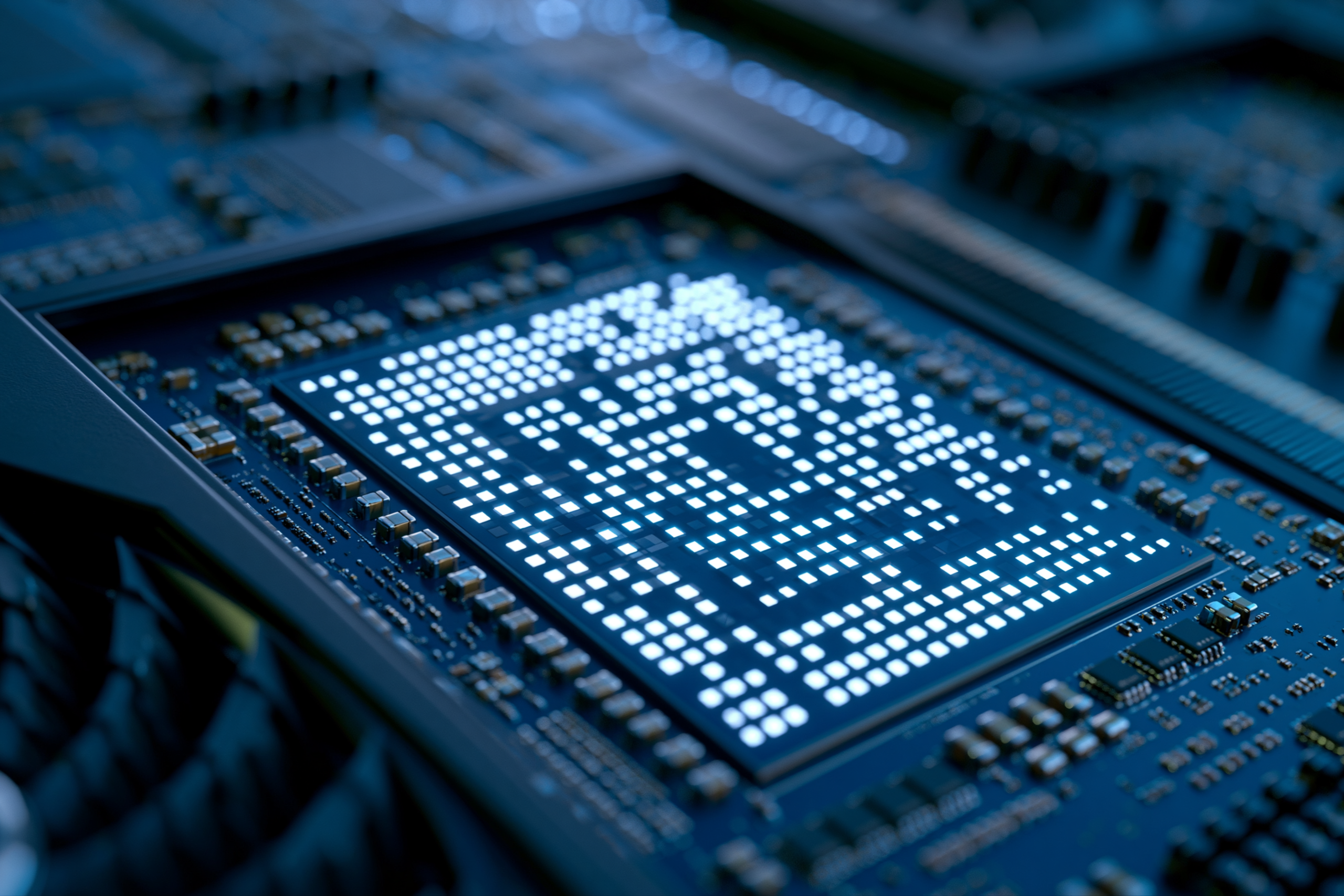
The processor is the number-one line on every spec sheet — in a desktop PC, in a laptop… and even in your smartphone. But what does it actually do? Why doesn't a “Core i7” in a laptop have the same power as the same i7 in a tower? And why does your phone's processor play in a completely different league? Here's the whole story, in plain language.
The processor, the brain of your device
The CPU ( Central Processing Unit) is the component that performs the calculations. Every time you open a page, launch a program or touch your phone's screen, it is the CPU that processes the instructions — billions of times per second.
The brain analogy is still the best one: the memory (RAM) is short-term memory, the storage (SSD) is the space where everything is filed away, but it is the processor that thinks and decides. A slow device is very often a processor that is undersized for what is being asked of it.
CPU vs GPU: don't mix them up
Before we go further, let's clear up a very common confusion. The CPU (processor) handles general tasks. The GPU (graphics card, short for Graphics Processing Unit) specialises in images: video games, video editing, 3D, artificial intelligence.
That is why the name NVIDIA comes up so often: NVIDIA does not make consumer processors, but it dominates the market for graphics cards (the GeForce range). On the GPU side its competitors are AMD (Radeon) and, more recently, Intel (Arc). Just remember: general computing means CPU, images mean GPU — two different components, sometimes two different brands.
The numbers that really matter
Cores (and threads)
A core is a “thinking unit”. The more there are, the more tasks the device handles at the same time: twenty tabs, a video call and a download, without slowing down. Today 4 cores are enough for office work, 6 to 8 are comfortable, and beyond that you are in creative and gaming territory.
Clock speed (GHz)
Measured in gigahertz, it indicates how fast a single core works. Useful for tasks that depend on one core, such as many games. But a high clock speed on paper is worthless if the processor overheats and has to throttle itself (more on that below).
The generation
This is the detail everyone forgets, and it is crucial. A recent processor is more efficient than an older one, even at equal raw power: it uses less energy, runs cooler and includes modern features. A recent mid-range model is often a better buy than a top-of-the-range one from six years ago.
- At Intel, the first digit after the name used to indicate the generation (a Core i5-1235U is 12the generation). Worth knowing: Intel recently changed its naming — the new models are now called Core Ultra 5 / 7 / 9 instead of Core i5 / i7 / i9.
- At AMD, the range name follows the same logic: a Ryzen 7 7840U belongs to the 7000 series, a Ryzen 7 9800X to the newer 9000 series. The higher the first digit, the more recent the generation.
Who makes the processors?
The market depends on the device. And that is exactly why a PC “processor” and a smartphone “processor” have almost nothing in common.
PCs and laptops: Intel versus AMD
Two giants share the field. Intel (the Core and Core Ultra ranges) is the most widespread, especially in business laptops. AMD (the Ryzen range) has made its name with an excellent performance-to-price ratio and energy efficiency, and today leads on the gaming side with its special “X3D” models. On Mac, Apple uses its own “M” chips, and new Windows laptops are arriving with Qualcomm Snapdragon chips — but for the vast majority of PCs, the choice is still Intel or AMD.
Smartphones: a completely different world
A phone does not have a plain processor, but a SoC (System on Chip): a single chip that combines the CPU, the graphics section, the 4G/5G modem and the AI accelerator. All of it designed to use very little power and last a day on battery. The big names:
- Qualcomm Snapdragon — the benchmark on most high-end Android phones.
- MediaTek Dimensity — very widespread, from mid-range to premium, often at the best price.
- Samsung Exynos — Samsung's in-house chips, used in part of its Galaxy line-up.
- Apple (A series) and Google (Tensor) — chips designed specifically for their own phones.
The consequence: comparing a smartphone processor with a PC processor makes no sense. They are different architectures, designed for different uses.
Why the same name does not mean the same power
Two computers can both say “Core i7” and deliver very different performance. The reason comes down to one word: power.
A story of energy and heat
A desktop PC is permanently plugged in and has large fans: its processor uses a lot of power, gets hot, and runs at full speed for hours. A laptop has to last on battery and stay thin and quiet: its processor is more frugal, and therefore less muscular. And when it gets too hot in a compact chassis, it deliberately reduces its speed so as not to burn out — that is throttling. Hence the fast laptop… that slows down after a few minutes of hard work.
Soldered versus removable
In a laptop, and even more so in a smartphone, the processor is soldered: it cannot be changed. In a tower it sits in a socket and can often be replaced with a more powerful model years later. That is one of the great strengths of a desktop PC: it grows with you.
Decoding the suffixes, simply
The letter at the end of the name tells you more than the number. Here are the essentials.
On laptops
| Letter | Intel | AMD | For whom? |
|---|---|---|---|
| U | U | U | Frugal — office work, mobility, long battery life |
| Balanced | P | HS | Versatile — a step up for multitasking |
| Powerful | H / HX | HX | Creative work, video editing, gaming — at the cost of some battery life |
On desktop PCs
- Intel — K: very high performance, “unlocked” (overclockable). F: no integrated graphics (a graphics card is required).
- AMD — X: high performance. X3D: optimised for gaming (the best on the market for playing). G: with integrated graphics.
i3, i5, i7, i9 / Ryzen 3, 5, 7, 9: which one for which use?
The number indicates the tier. Intel and AMD follow exactly the same logic — and that also applies to the new Intel “Core Ultra 5 / 7 / 9”.
| Tier | Intel | AMD | Ideal for |
|---|---|---|---|
| Entry level | Core i3 / Ultra 3 | Ryzen 3 | Office work, web, email, video |
| Mid-range | Core i5 / Ultra 5 | Ryzen 5 | The best value for money: versatility, home working, light gaming |
| High end | Core i7 / Ultra 7 | Ryzen 7 | Creative work, video editing, serious gaming, heavy multitasking |
| Top end | Core i9 / Ultra 9 | Ryzen 9 | Workstations, 3D, 4K/8K editing, intensive professional use |
For the vast majority of people, a recent i5 / Ryzen 5 is the smartest choice: more than powerful enough, without paying for power you will never use.
The TechElite tip
On refurbished business laptops (HP EliteBook, Lenovo ThinkPad…), you will most often find Core i5 or i7 chips in the “U” version. Excellent news for office work, home working and travelling: fast, long-lasting and quiet. For video editing, 3D or demanding gaming, go for an “H” series or, better still, a custom-built desktop — ideally with a Ryzen “X3D” and a real graphics card.
In short
Don't go by the “i5” or “i7” name alone. What really counts: the generation (recent?), the number of cores, the suffix (U frugal, H/K powerful) and the type of device (a laptop i7 is not a tower i7, and a smartphone processor plays in yet another league). These four elements determine whether your future device will still be pleasant to use in five years.
Not sure which processor you need?
At TechElite every machine is tested, certified and covered by a 24-month warranty. Browse our refurbished laptops or configure your custom desktop — and if you are hesitating, drop us a line and we will point you to the right choice.
